Nansen Profiler 101
Dive deep into 500M+ labeled addresses and explore token relationships, connections between entities, and everything you need to understand everything onchain.
Written By Nansen Team
Last updated 10 months ago
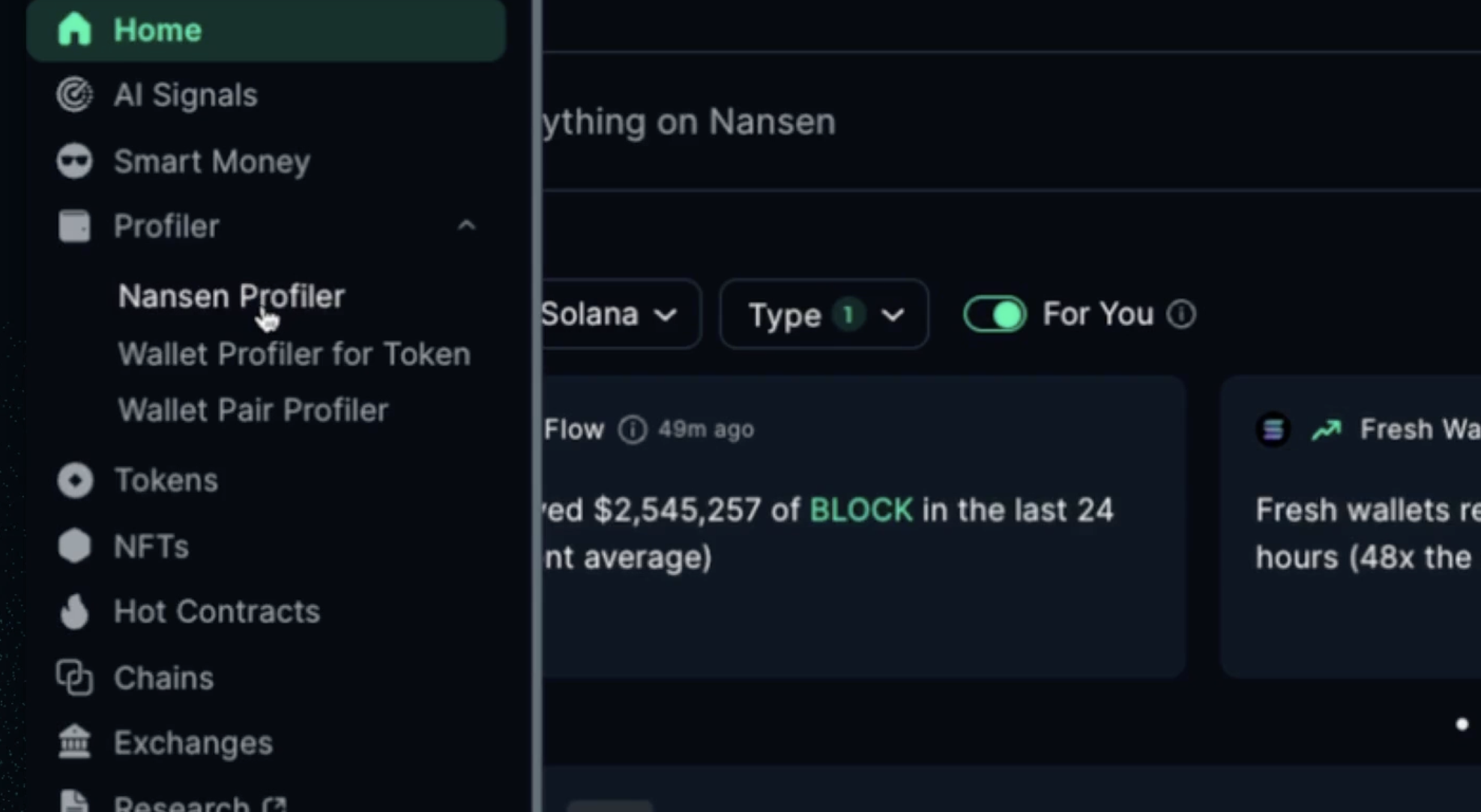
Profiler works differently than other features on Nansen, where instead of a standard go-to page, each option provided allows you to search through the millions of addresses and dig deep.
Nansen Profiler
Analyze a wallet’s activity, holdings, and transaction history. Whether it’s a whale, fund, or influencer, the Profiler helps you understand their behavior.
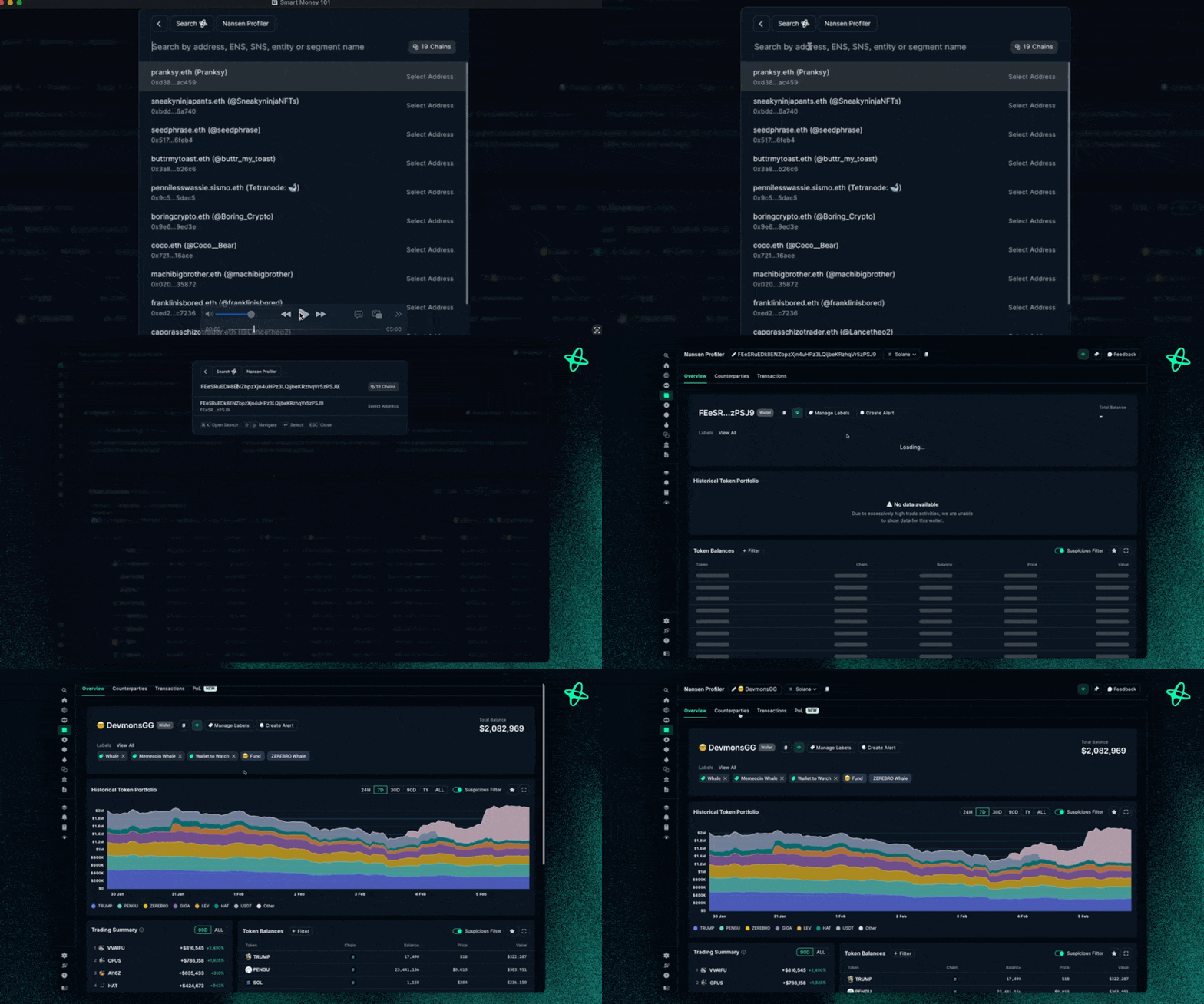
Click Nansen Profiler
Search for a given address or paste in a copied-over address and paste directly
Start Profiling into that address in more detail, getting a view of:
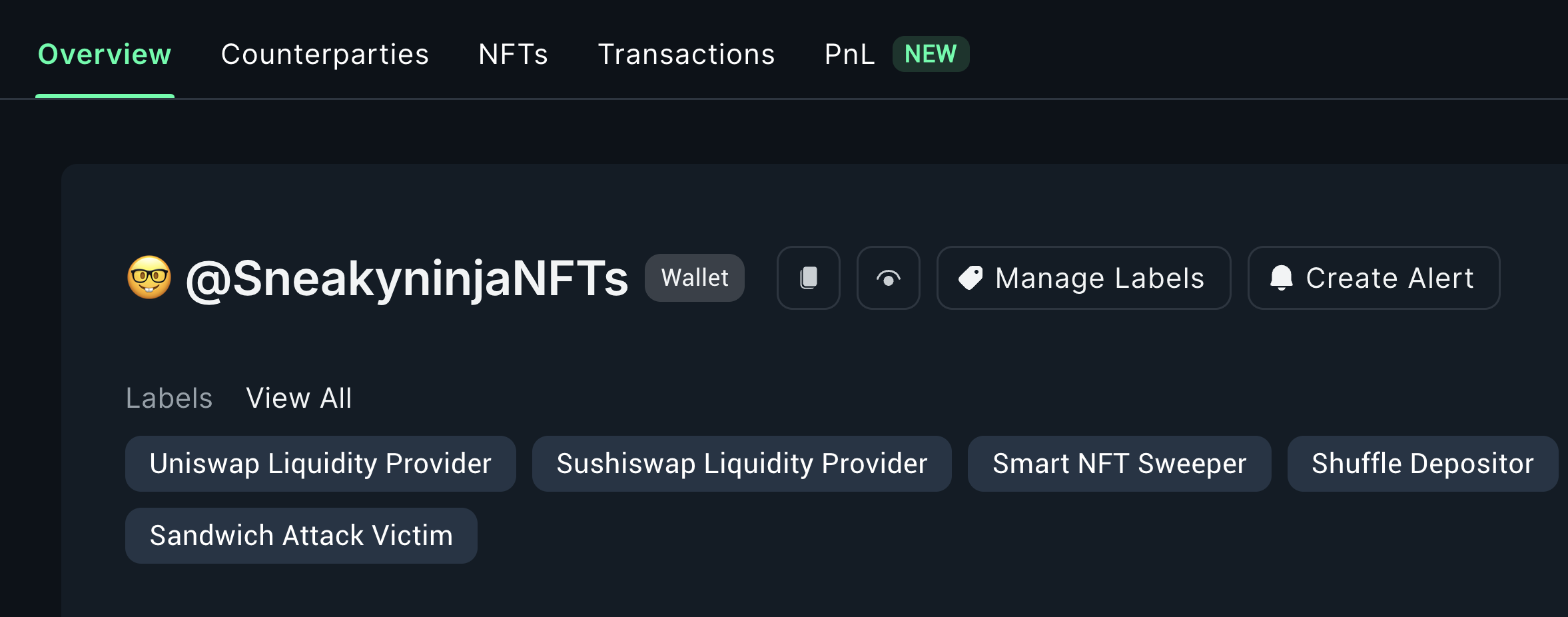
Overview of the address
Counterparties
Transactions the address made
Profits and losses of the address
Wallet Profiler for Token
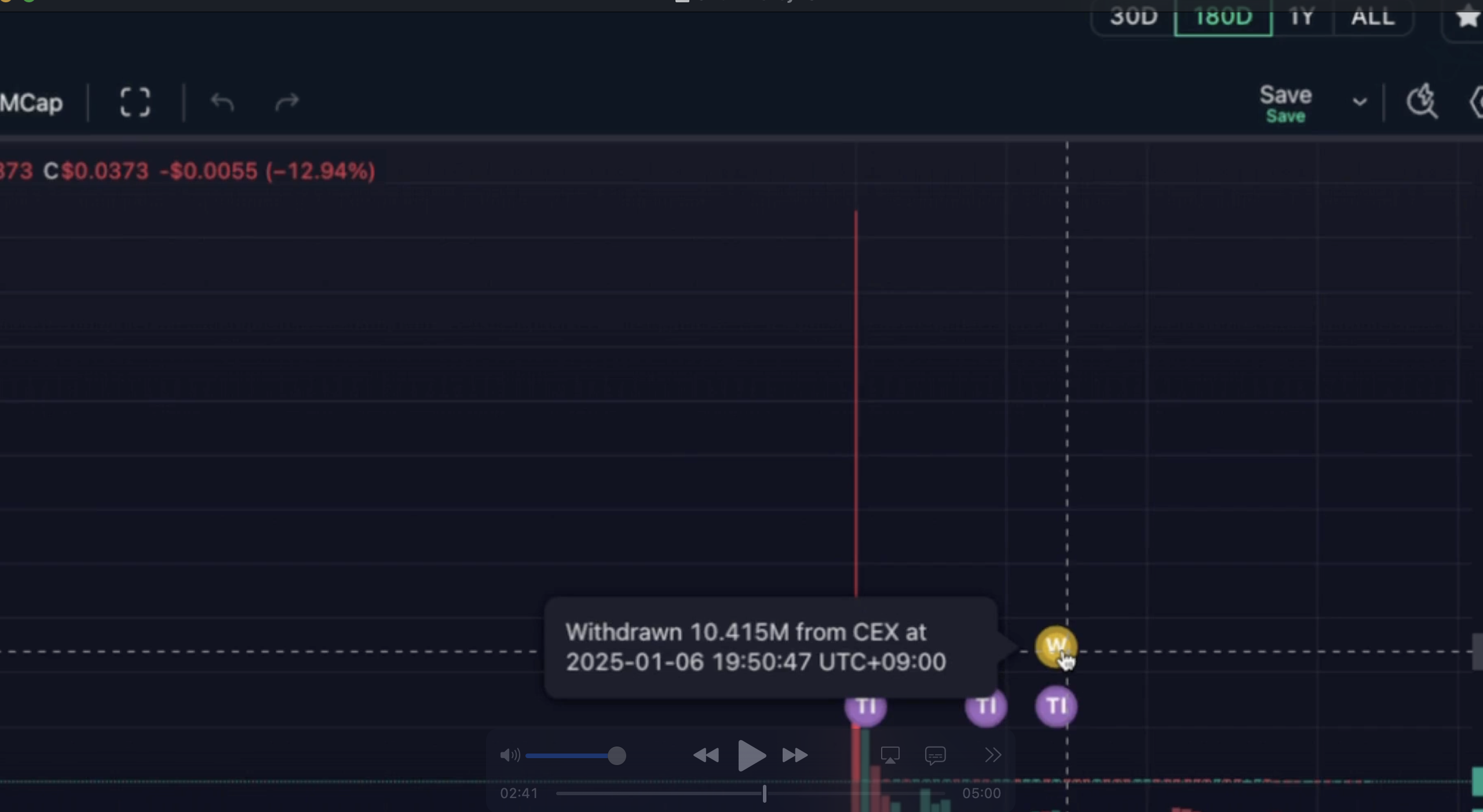
This helps you dive into a given wallet and its holdings and relationship for a given token.
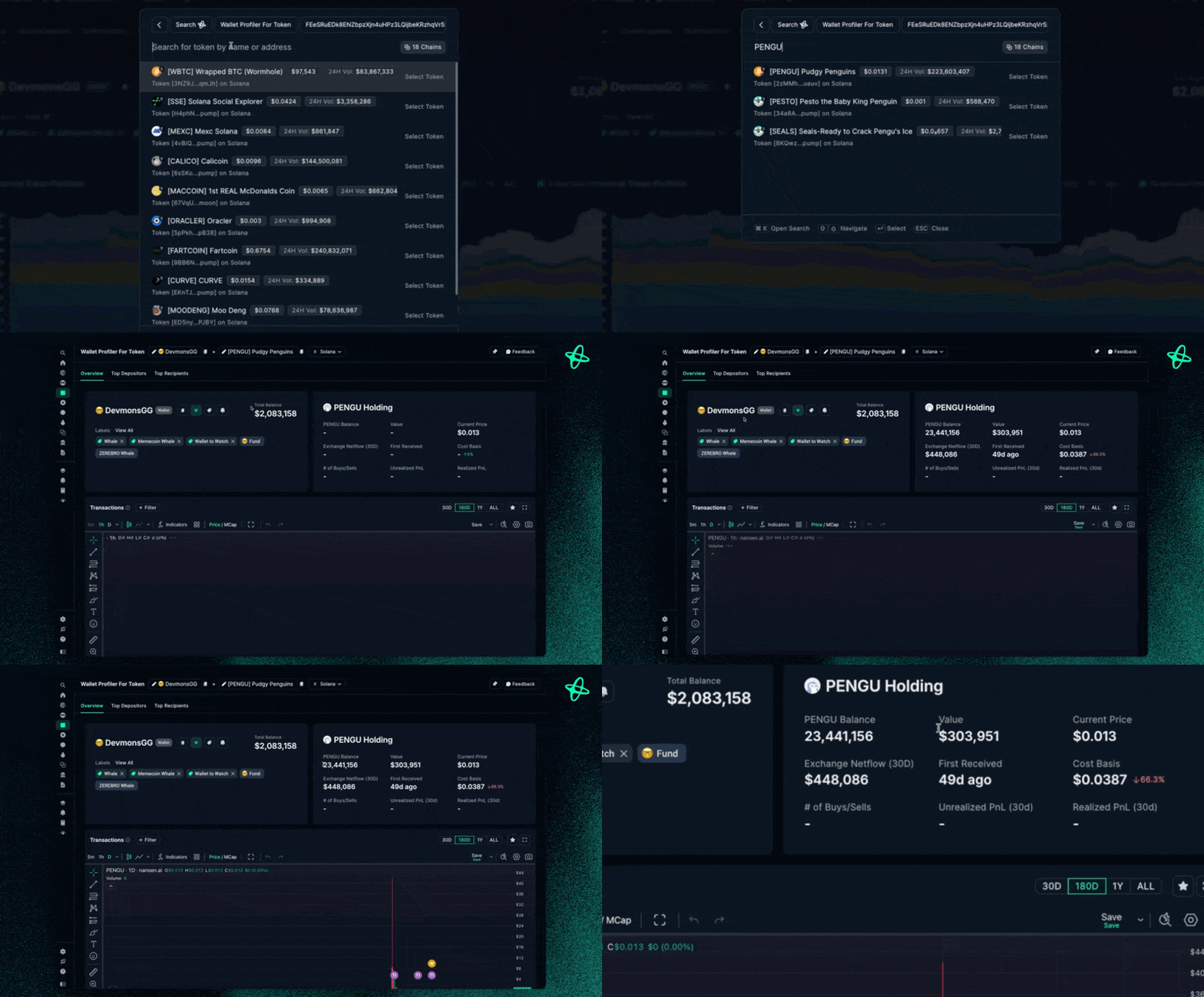
Select your target token
Analyze wallet interactions:
Token balance history
Entry/exit points
Trading patterns
Track specific metrics:
Transfer history
Buy/sell activities
Position changes
Wallet Pair Profiler
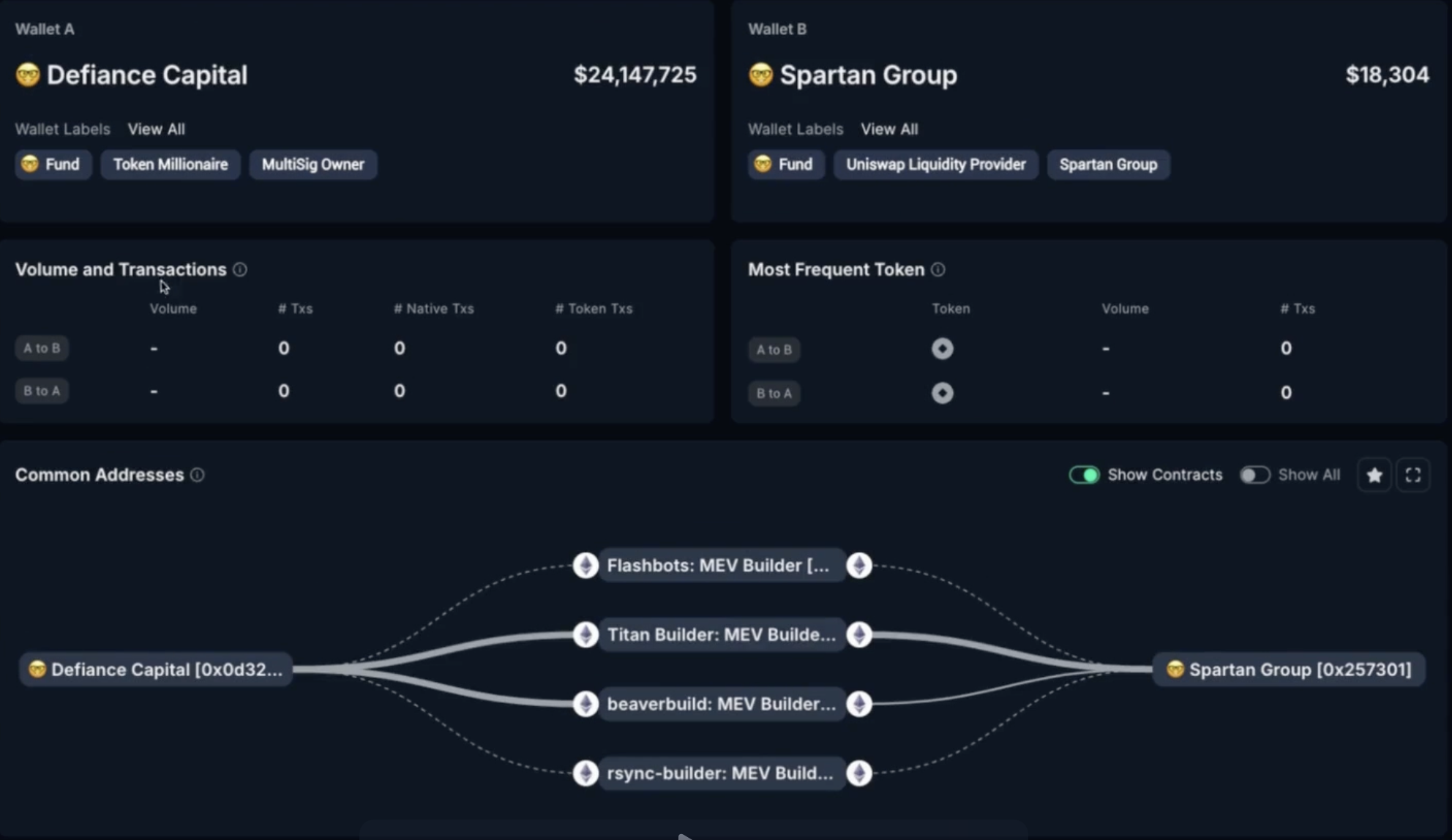
Uncover the relationships between wallets by analyzing direct and indirect transactions.Enter two wallet addresses
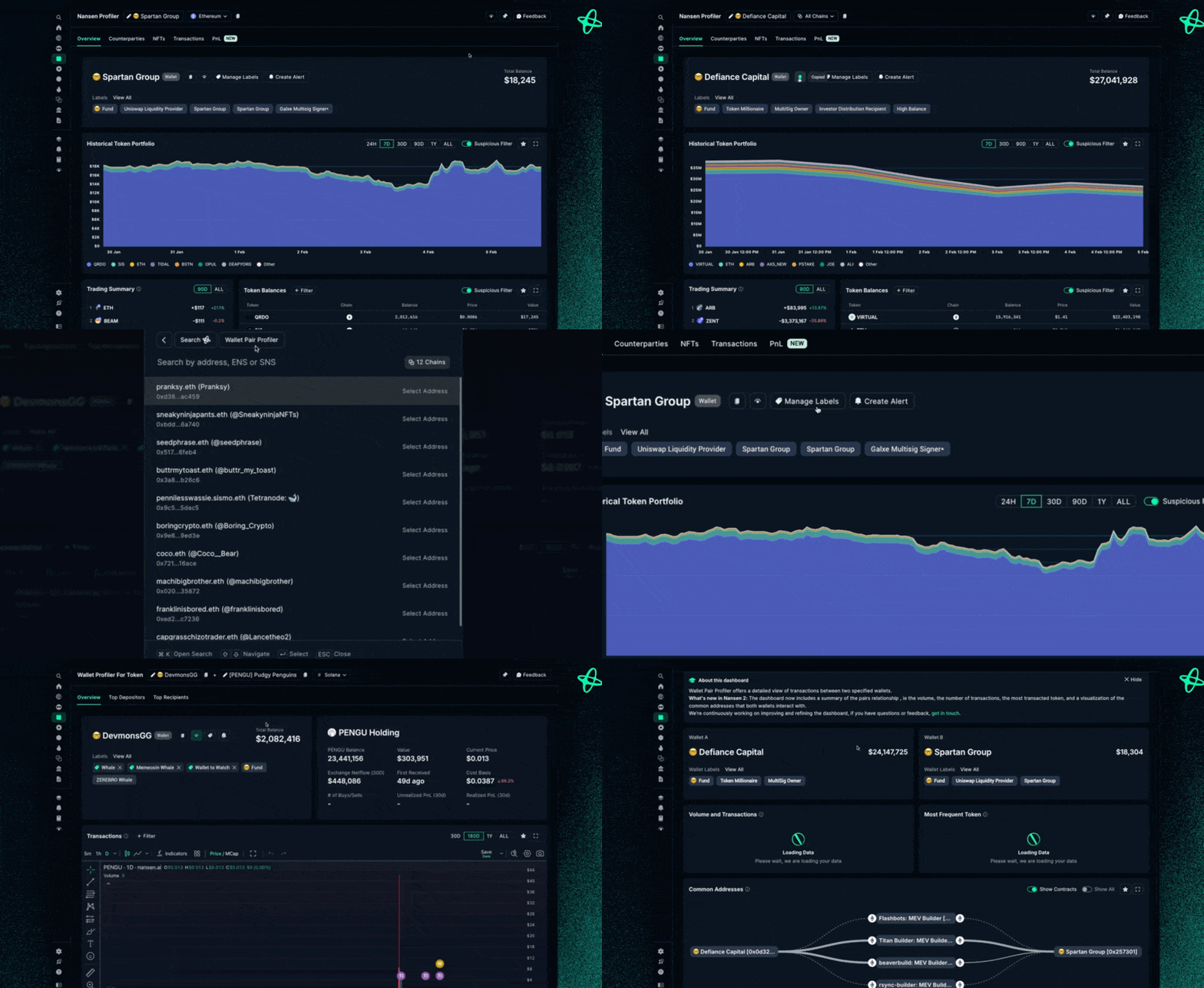
Explore connections:
Direct transactions
Shared counterparties
Network relationships
Analyze shared activity:
Transaction volume
Common tokens
Interaction frequency
👉 Also check out: Deep Research 101
Still need help? Share an idea